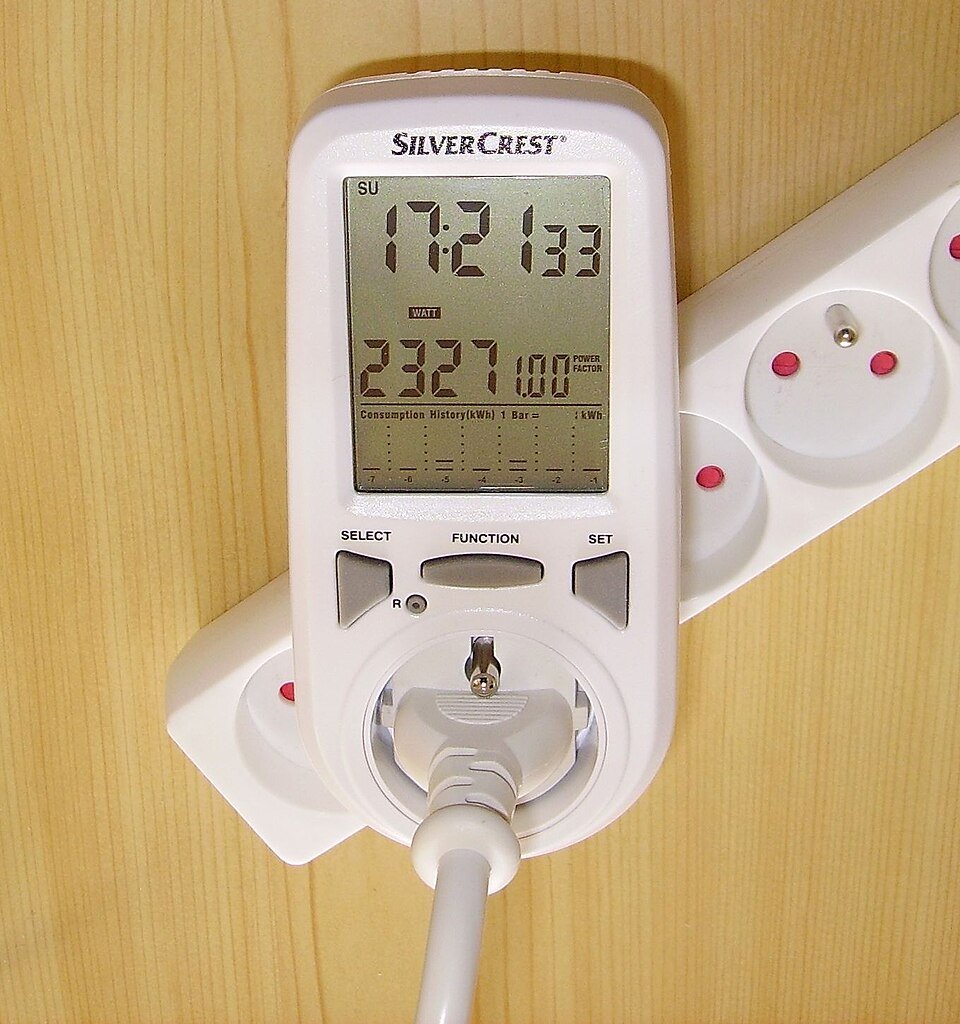
Two devices described as off may be doing different things. One may wait only for a remote control, while another maintains network access, updates or a quick-start function. Comparing their watt readings without the mode description can turn unlike services into a misleading efficiency claim.
Create a mode ledger before calculating standby cost. Focus on recording conditions and uncertainty rather than immediately disconnecting equipment. Follow manufacturer guidance and preserve functions the household depends on. This is a practical household observation record, not certification to a standby-power testing standard.
Name the actual state instead of writing off
Record the device, model and the sequence used to reach the observed state. Include the control used, any visible indication and relevant settings. A remote-control shutdown, sleep command and physical disconnection are distinct states even if the screen is dark in all three.
Lawrence Berkeley National Laboratory — Standby Power Definitions explains why standby terminology varies across products and purposes. Use the manufacturer's mode names where available, and add a plain description of retained functions. Do not assume every mode called sleep has the same service or consumption.
Keep network settings and connected accessories in the record. A device can behave differently when a network connection, peripheral or update setting changes. If the purpose is to compare settings, document the change explicitly and preserve any necessary function. An unexplained before-and-after number cannot establish which setting caused the difference.
- Record the control sequence, exact mode name and functions retained during observation.
- Keep active and low-power hours distinct, with no duplicated periods in the annual scenario.
- Compare mode costs only where the meter’s relevant accuracy and the required service support the decision.
Decide which functions must remain available
List functions the household needs during the low-power period, such as remote wake, scheduled recording or required connectivity. Check the product instructions before disabling them. A lower reading obtained by removing a needed function may be a different service rather than a directly preferable mode.
Exclude critical or safety-related equipment from casual disconnection experiments. Refrigeration, medical equipment, alarms and necessary communications have operating requirements beyond a small cost calculation. Seek the appropriate guidance when a proposed setting or interruption affects those functions.
Record convenience effects too. If a lower-power setting causes a longer startup, note the actual observed consequence without inventing a universal delay. The decision can then consider the defined service and cost together. Do not present a mode as equivalent simply because both eventually show the same main screen.
Match the meter to a low-power question
Check the instrument's ratings, resolution and accuracy in the relevant range. A meter capable of measuring an ordinary active load may not distinguish very small standby differences reliably. A displayed zero does not necessarily prove no energy use.
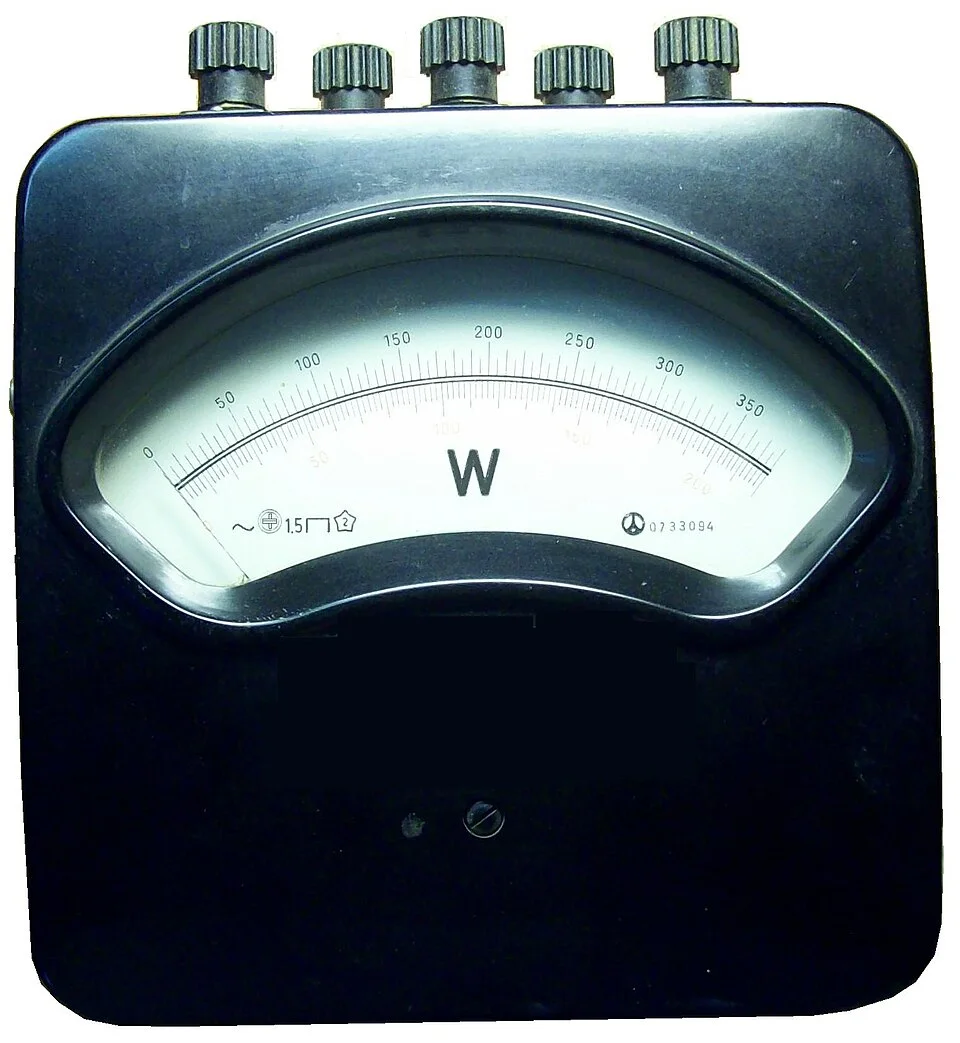
The broad watt scale and spaced graduations illustrate why an instrument’s range must suit a very small power question. Consult the actual meter’s low-range accuracy and resolution before comparing standby modes. This standalone reference does not demonstrate a compatible household connection, and an apparent zero would not prove zero consumption.
Photo & usage
Ulfbastel · Public domain · Source. Display copies resized and encoded as WebP; no instructional details were fabricated or removed.
The DOE FEMP — Measuring Standby Power summary discusses measurement conditions and uncertainty for standardized low-power testing. An informal household observation should not claim to meet that procedure merely because a plug-in meter is used. Retain the distinction between a useful screening record and a controlled test.
The P3 International — P4400 Operation Manual shows cumulative energy and elapsed time on one instrument. Follow the actual meter's instructions, keeping unit and counter behavior clear. Do not substitute a voltage or apparent-power display for watts, and do not extend an uncertain low reading into a precise annual USD figure without acknowledging the uncertainty.
Build an illustrative mode-and-hours ledger
All figures here are illustrative. Mode A averages 3 W during 20 idle hours per day. Its daily low-power energy is 3 ÷ 1,000 × 20 = 0.06 kWh. Over 365 assumed similar days, that is 21.9 kWh.
Mode B averages 1 W over the same 20 hours, giving 0.02 kWh per day and 7.3 kWh per year. The modeled difference is 14.6 kWh. At an illustrative avoidable rate of USD 0.22 per kWh, the difference is USD 3.212, displayed as about USD 3.21 annually.
This example assumes the modes remain stable and equivalent in the functions being compared. It excludes the four active hours, fixed charges and changes in startup energy. The figures are not measurements of a real product. If the lower mode changes use behavior or service, include that separately rather than claiming the entire difference as a verified household saving.
Observe transitions and background activity
Allow the device to reach the state relevant to the question according to its instructions. A reading immediately after shutdown may capture a transition, update or cooling period rather than the later mode. Record the elapsed time since the control action.
If power fluctuates, keep accumulated energy and matching time for an appropriate interval rather than selecting the lowest moment. Note visible or documented background events. Do not delete them merely because they make the result less favorable; decide whether they are part of ordinary low-power operation.
Repeat when a specific unresolved issue remains, such as an update during the first observation. Keep equivalent settings and conditions where the comparison requires them. More readings under changing conditions can create a larger but less interpretable record. The useful question is whether the result represents the named mode and service.
Price only the hours affected by the choice
Use the actual low-power duration or an honestly labeled schedule assumption. A device used actively for part of each day does not spend all 8,760 annual hours in standby. Keep mode-hours from exceeding the available total when combining several states.
Apply the relevant avoidable energy rates, preserving time-of-use periods if the low-power interval spans different prices. Do not divide the full bill by kWh and assume fixed charges disappear when standby energy is reduced. Keep the cost scope explicit.
If a proposed control accessory consumes electricity, include its own relevant energy in the comparison. Also record its purchase cost separately. A small mode difference may not justify an additional device bought only for energy savings. That is a decision to assess from supported figures, not a universal recommendation against or in favor of accessories.
Keep waiting time and active time from overlapping
Create a full-day mode budget when converting several states to annual energy. Active hours, ready hours, sleep hours and disconnected hours should represent distinct intervals. If their sum exceeds the available day, at least one category overlaps or uses a different boundary.
An illustrative schedule of four active hours, sixteen network-ready hours and four sleep hours totals twenty-four. A second estimate that also adds twenty standby hours would duplicate intervals already assigned. Calculate each mode’s energy from its own hours, then add the energy quantities once. State whether transitions are included in the measured interval or modeled separately.
Check weekends and absences before repeating the schedule for 365 days. A weekday assumption may be convenient but should not masquerade as a measured annual routine. When precise scheduling would not affect a small practical decision, use a labeled range rather than collecting excessive household detail. The ledger succeeds when the hours reconcile and the retained functions remain clear, even if the final monetary estimate is modest.
Finish with a mode decision and its limits
Save the device identity, exact settings, retained functions, observation method, duration and cost assumptions. Mark whether each value is measured, published or illustrative. A later change in firmware or settings can make an old record less representative, so keep its date.
Choose among retaining the current mode, adopting a suitable documented setting or gathering better data. Do not force a decision when the meter cannot resolve the difference or the function consequences are unclear. Uncertainty can be the correct conclusion of a household record.
Completion means the cost estimate refers to a named state for a stated number of hours and preserves the functions that matter. Recheck only when the mode, schedule or decision changes. The ledger prevents a dark screen from being mistaken for one universal electrical condition.
THE REFERENCE FILE
Sources & scope
Documentation reviewed 1 Nov 2026. Examples are illustrative; this article does not claim hands-on product testing. Follow the instructions for your actual material, model and location.